Define the reception workflow
Decide whether reception creates a token for every walk-in, how appointments join the queue and whether each doctor needs a separate series. Confirm the available token-issue method during the demonstration.
A queue system for clinics makes the next patient and consultation room clear to people waiting. MeFirst can plan a DisplayQue StatusBoard workflow from reception token issue to staff calling and a waiting-room display, with screen supply, setup and handover for Kerala clinics. Confirm the chosen software functions and any practice-system integration in a demo.
Solution planning
Decide whether reception creates a token for every walk-in, how appointments join the queue and whether each doctor needs a separate series. Confirm the available token-issue method during the demonstration.
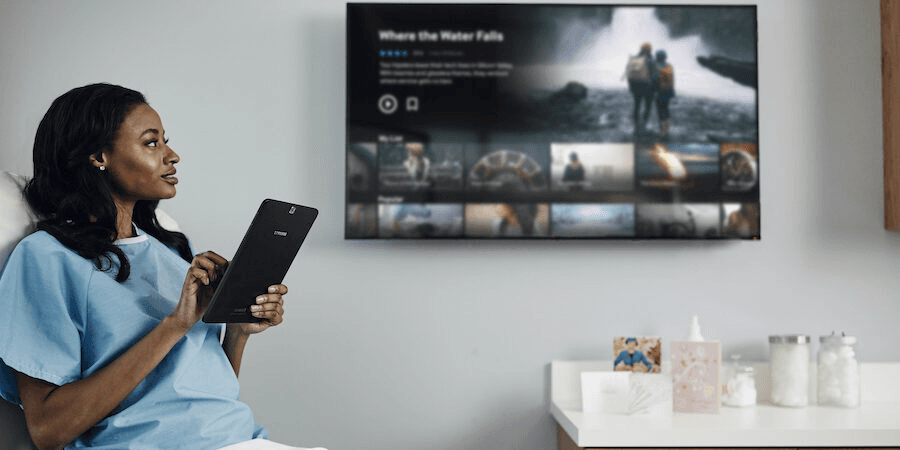
Show the current token and room or counter on a screen patients can read from their seats. Test the layout and language at the real viewing distance before installation.
List the operator device, display, mount, network, power, software access and staff training in the quote. Test a token from issue to consultation and agree a fallback if the screen goes offline.
Where it fits
Connected solution
Compare the complete token workflow, equipment, pricing factors and installation scope.
Explore solution →Review the software used for token issue, queue updates and public display.
Explore solution →Plan department and counter queues for larger hospital OPD workflows.
Explore solution →Compare screens for readable token numbers and clinic information.
Explore solution →Scope configuration, display tests and staff handover.
Explore solution →Configure the token workflow, test the waiting-room screen and hand over staff controls.
Explore solution →Frequently asked questions
A typical scope covers how reception issues a token, how staff call or progress it, a patient-facing display and the devices, network, configuration and training needed to run them. The exact package is quoted for the clinic.
Reception issues a token through the agreed method, staff call the next patient for a doctor or room, and the waiting-area screen shows the current token and destination. Queue rules and compatible hardware are confirmed for the clinic.
Separate doctor or room queues can be planned. Confirm the required queue rules, staff controls and display layout in a working demo before deciding on the configuration.
Possibly. The TV, source device, operating hours, network and display compatibility need to be checked. MeFirst can compare the existing screen with a dedicated commercial display.
Do not assume these features are included. MeFirst will confirm whether the selected software and any approved integrations support them before they appear in the quote.
Before you request a quote
Send these details with your town and PIN code:
Issue a test token at reception, call it for the right doctor or room and check the waiting-room screen from patient seating. Confirm staff controls and a simple offline fallback.
മലയാളത്തിൽ
റിസപ്ഷനിൽ ടോക്കൺ നൽകുന്ന രീതി, ഡോക്ടർമാരുടെയും കൺസൾട്ടേഷൻ മുറികളുടെയും എണ്ണം, കാത്തിരിപ്പ് മുറിയിലെ സ്ക്രീൻ എന്നിവ അറിയിക്കുക. ടോക്കൺ നമ്പറും മുറിയും രോഗികൾക്ക് വ്യക്തമായി കാണാമെന്ന് ഡെമോയിൽ പരിശോധിക്കാം.
മലയാളം വാങ്ങൽ ഗൈഡ് →All 14 Kerala districts
MeFirst accepts display and software enquiries from every city, town and village in Kerala. Our team is based in East Nadakkavu, Kozhikode. Delivery, site visits, installation and support are confirmed for your address and project scope before ordering.
Share your location, business type, screen requirements, and rollout timeline. We will help define the right next step.
Request a consultation