Buy the right touch display size
Viewing distance, room capacity, mounting height, camera position, and writing access determine the appropriate touch display screen size.
A smart board or digital board for teaching is usually an interactive display or interactive flat panel with a large touch screen, writing tools and presentation workflows. The same type of panel can serve training rooms and boardrooms. MeFirst helps Kerala buyers compare screen size, touch and laptop connections, software, mounting and user training before ordering.
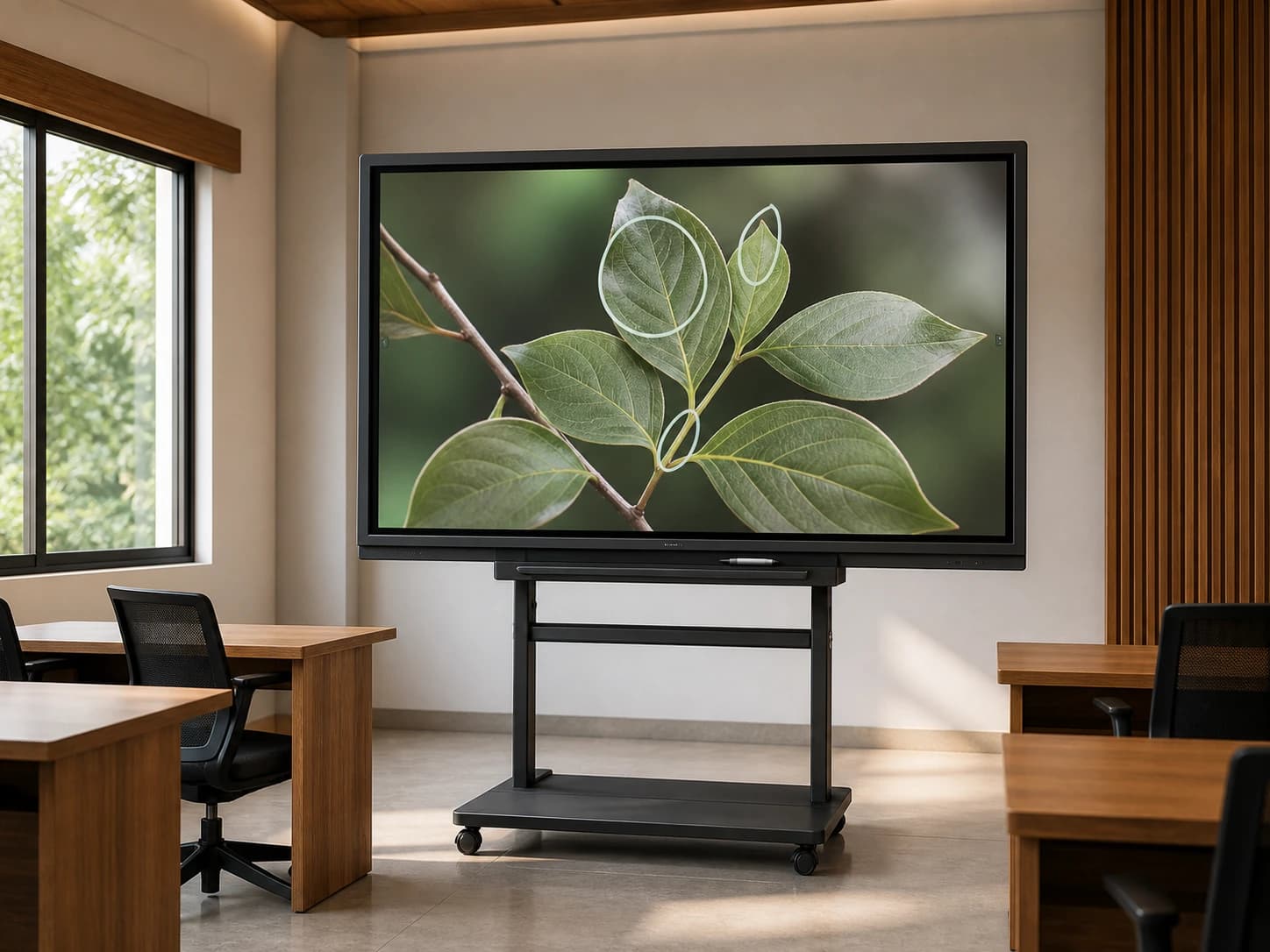
Solution planning
Viewing distance, room capacity, mounting height, camera position, and writing access determine the appropriate touch display screen size.
The required operating system, laptop connections, wireless sharing, conferencing, annotation, and device management should be defined before selection.
MeFirst can coordinate display mounting, cable planning, connectivity, setup, testing, and staff orientation.
Where it fits
Quote-led catalog
Interactive flat panels, digital boards, smartboards and commercial touch displays for classrooms, training rooms, boardrooms and meeting spaces.
Scroll the catalog sideways to review models.
| Model | Size | Best fit | What to confirm | Quote |
|---|---|---|---|---|
| Samsung LH65WAF Interactive DisplaySamsung LH65WAF | 65 inch | Classrooms, training rooms and meeting rooms needing touch and writing. | Wall or mobile stand requirement, Touch return and laptop types | Request quote |
| Samsung LH75WAF Interactive DisplaySamsung LH75WAF | 75 inch | Larger classrooms, boardrooms and training spaces. | Room depth and seating, Mounting height and reach | Request quote |
| Teachmint X 75 Interactive PanelTeachmint X 75 | 75 inch | Schools and training rooms evaluating interactive panels with classroom workflows. | Exact edition and included software, Wall mount or trolley stand | Request quote |
Touch workflow, mounting height, device compatibility and training matter as much as screen size.
Confirm the exact edition, camera, OPS and smart board software bundle before quoting.
Mobile stands must be matched to screen weight and room movement.
Connected solution
Coordinate mounting, connectivity, touch configuration, application testing, and user training.
Explore solution →Compare touch, writing, glass, connectivity and training.
Explore solution →Choose a customer-facing kiosk when people need to browse, order or check in.
Explore solution →Plan lessons, teacher reach, laptop connections and training.
Explore solution →Review presentation and collaborative workflows.
Explore solution →Frequently asked questions
MeFirst handles commercial touch display and interactive display enquiries across Kerala from its Kozhikode base. Share the room type, screen size preference, teaching or meeting workflow, mounting need and installation location for a project quote.
Yes, MeFirst accepts commercial touch TV and interactive display enquiries across Kerala from Kozhikode. Tell us whether you need writing and presentations, customer self-service or another touch workflow so we can quote the right type of screen and installation.
No. “Touch TV” is often used informally for an interactive flat panel with a touch layer and writing or collaboration software. An ordinary smart TV is designed mainly for viewing and does not normally accept direct touch input. Confirm the exact model and touch functions before ordering.
Screen size, touch and writing features, built-in software, any additional computer, mounting and installation affect the quotation. Share the room size, seating, teaching or meeting applications and budget. Model availability and included training are confirmed before ordering.
The correct size depends on room depth, seating, mounting position, and the distance of the farthest viewer. MeFirst can recommend a size after reviewing the room.
They are often used for the same buying need: a large commercial touch display for teaching, training or meetings. Exact features still vary by model, including touch points, writing software, camera, OPS computer support, mobile stand compatibility and warranty.
Yes. MeFirst handles interactive display enquiries for classrooms, training rooms, boardrooms and meeting spaces across Kerala. The quotation should confirm room fit, mounting, laptop compatibility, touch return, software and user training.
Interactive displays generally support common wired and wireless presentation workflows, but exact compatibility depends on the selected model and source device.
Installation, initial configuration, testing, and user handover can be included in the project scope.
Before you request a quote
Send these details with your town and PIN code:
Write, annotate, connect a laptop and present a real lesson or meeting document during the demonstration. Check touch response, smart board software and staff repeatability before handover.
മലയാളത്തിൽ
സ്മാർട്ട് ബോർഡ്, ഡിജിറ്റൽ ബോർഡ്, ടച്ച് പാനൽ എന്നിവ തിരഞ്ഞെടുക്കാൻ ക്ലാസ് മുറിയുടെ വലുപ്പവും വിദ്യാർത്ഥികളുടെ ഇരിപ്പിടങ്ങളും അറിയിക്കുക. എഴുത്ത്, ലാപ്ടോപ്പ് കണക്ഷൻ, അധ്യാപക പരിശീലനം എന്നിവ ക്വട്ടേഷനിൽ ഉൾപ്പെട്ടിട്ടുണ്ടോ എന്ന് പരിശോധിക്കുക.
മലയാളം വാങ്ങൽ ഗൈഡ് →All 14 Kerala districts
MeFirst accepts display and software enquiries from every city, town and village in Kerala. Our team is based in East Nadakkavu, Kozhikode. Delivery, site visits, installation and support are confirmed for your address and project scope before ordering.
Share your location, business type, screen requirements, and rollout timeline. We will help define the right next step.
Request a consultation